
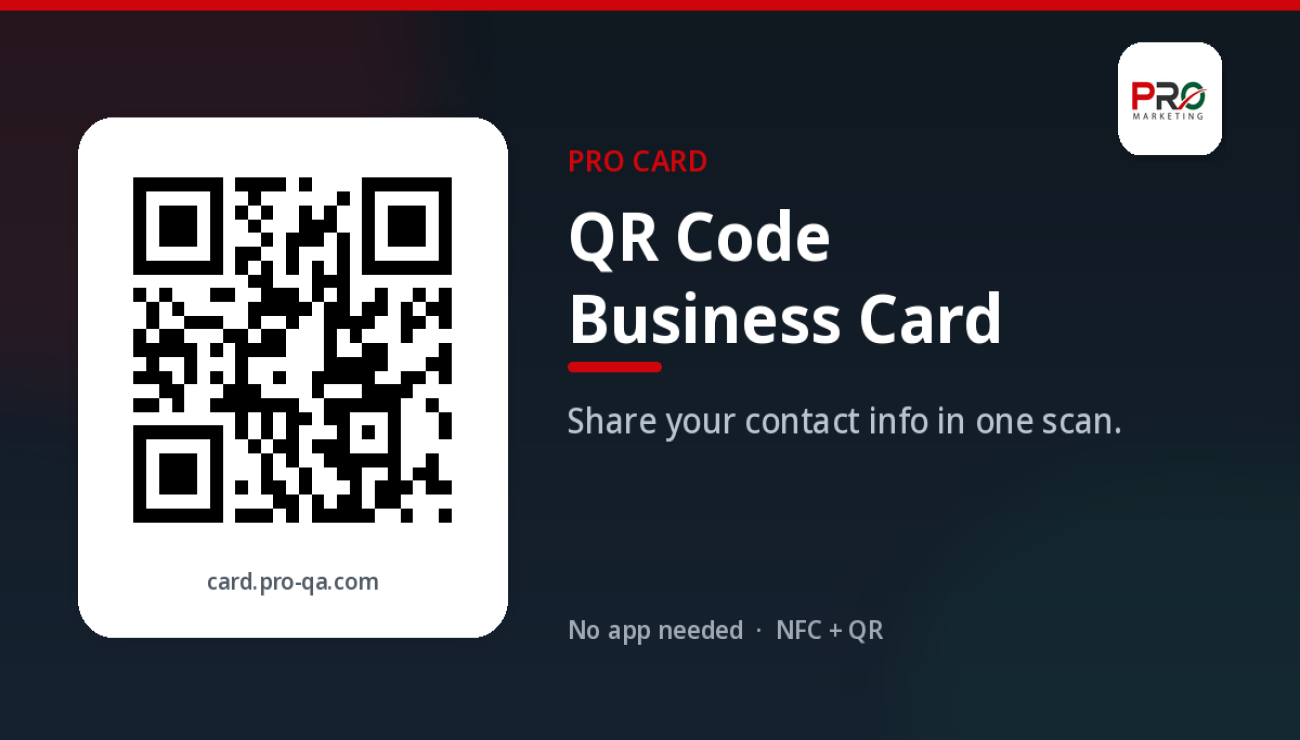
QR Code Business Card: How to Share Your Contact Info Instantly
A QR code business card lets anyone save your number, open WhatsApp, or view your profile with a phone camera — no app required. With PRO Card, you fill in your details once, get a QR code that always points to your latest information, and share it from your phone, in an email signature, on a flyer, or at an event booth.
Most introductions still end with a paper card and a promise to type the number later. A QR code shortens that moment: the other person opens their camera, scans, and can call you, message you on WhatsApp, or save your contact before they walk away.
What is a QR code business card?
A QR code business card is a digital profile with a unique QR code attached to it. When someone scans the code, their phone opens your card in the browser: your name and role, phone, WhatsApp, email, website, social links, and — if you add them — your services, portfolio, business hours, gallery, and testimonials.
Unlike a printed card, the profile is live. Change your number, title, or WhatsApp link once, and the same QR code still opens the updated page. There is nothing to reprint, and the other person does not need an app. Want to see it in practice? Open the live PRO Card demo.
How to share contact info with a QR code
Sharing contact information with a QR code is a short habit, not a technical project.
1. Build one complete profile
Add the details people use to reach you: name, title, phone number (with country code), WhatsApp, and email. Then add follow-up links such as your website, LinkedIn, or Instagram. On PRO Card you can also add products and services, a portfolio, business hours, a gallery, testimonials, and an iframe if you need to embed extra content.
2. Show the code at the right moment
The code only helps if it is visible when someone wants your details: on your phone, a printed card, a booth panel, or a message after a call. Any modern smartphone camera can scan it.
3. Let the other person take one action
After the scan, they should be able to save your contact, start a WhatsApp chat, place a call, or open your site in one tap. That is the point: less typing, fewer lost numbers, and a faster follow-up.
Where to put your QR code business card
PRO Card lets you share the same card by QR code, NFC tap, link, email, or WhatsApp. The QR code is the version you can print or display almost anywhere. These placements work well for professionals and teams worldwide.
Email signature
Add your QR code or card link to the bottom of every email. People who never meet you in person still get a complete, up-to-date way to save your contact.
Event booths and trade shows
Print a large QR code on your booth, banner, or table sign so visitors can scan as they walk by, even if you are already speaking with someone else.
Flyers, packaging, and presentations
A flyer, package, or slide deck often outlives the conversation. A QR code on those materials turns a leave-behind into a live profile. If your details change later, the printed code still opens the right information.
WhatsApp, chats, and your phone
Send your card link in WhatsApp, email, or any chat, and the recipient opens the same profile they would see after a scan — useful before a remote meeting or after a call. Keep the code handy on your phone so you are never searching for a paper stack. If you prefer to create, edit, and share from Android, get the PRO Card app on Google Play.
QR code, NFC, and a link: use all three
A QR code reaches any phone with a camera, so it is the most flexible way to share contact info. An NFC card adds a second option: the other person holds their phone near the card and your profile opens, with no scan and no app. A direct link covers messages, social bios, and video-call intros.
Every PRO Card includes the QR code and works with NFC. If a phone has NFC turned off, the QR code is still there. If you are not in the same room, you send the link.
How to create a QR code business card with PRO Card
- Create a free account at card.pro-qa.com/en/signup.
- Fill in your profile once: name, title, phone, WhatsApp, email, website, and social links. Add services, portfolio images, business hours, or testimonials if they help explain your work.
- Share your QR code on your phone, in your email signature, on print materials, or at your booth. You can also share a link or, with a physical card, an NFC tap.
- Update anytime. Edit the profile when details change; everyone who scans the same code sees the new version. The Free plan and paid plans include unlimited scans per month.
PRO Card works in Arabic and English if you meet clients in more than one language. Start on the Free plan (one card, three additional fields) and upgrade later: Business is $15 per year for one card, Business Pro is $25 per year for five cards, and Enterprise is $100 per year for 50 cards.
Frequently asked questions
Do people need an app to scan my QR code business card?
No. Most modern phones scan a QR code with the built-in camera and open your PRO Card in the browser. From there they can call you, message you on WhatsApp, or save your contact.
What if I change my phone number after I print the QR code?
Edit your card in the dashboard or in the app. The same QR code still works, because it opens your live profile, not a frozen copy of your old details.
Is a QR code business card the same as a vCard file?
A static vCard QR stores a snapshot of your details. A PRO Card QR opens a live page, so people can save your contact and also use buttons such as WhatsApp, your website, and your portfolio. Update the page instead of generating a new code.
Where should I display my QR code?
Anywhere someone might want your details: email signatures, flyers, booths, packaging, slides, WhatsApp messages, and your phone. One profile can support all of these placements.
Can I share the card without a printed code?
Yes. Send the link by email or WhatsApp, or share by NFC tap. The QR code is one way to open the same card, not the only way.
Is there a free QR code business card?
Yes. PRO Card's Free plan includes one digital card with a QR code and unlimited scans per month, so you can try the flow before you upgrade.
Start sharing your contact info the easy way
A QR code business card works when it is easy for the other person: open the camera, scan, and reach you in one tap. Create your free PRO Card, look at the plans on the homepage, or preview the demo card. To set it up on your phone, download the PRO Card app on Google Play.

التعليقات (0)